OpenCode
Running OpenCode with free Models
Install Node in local/virtual environment
Choose your own installation Methode and folder.
For the rest of the blog entry, we will use <VENV-FOLDER> when referring to this folder.
Install OpenCode
❯ npm install -g opencode-ai
❯ which node
<VENV-FOLDER>/.venv/node/bin/node

❯ which opencode
<VENV-FOLDER>/.venv/node/bin/opencode
Configure OpenCode API as Model Provider
Preparation
Goto https://opencode.ai/zen and register.
Then, create an API Key
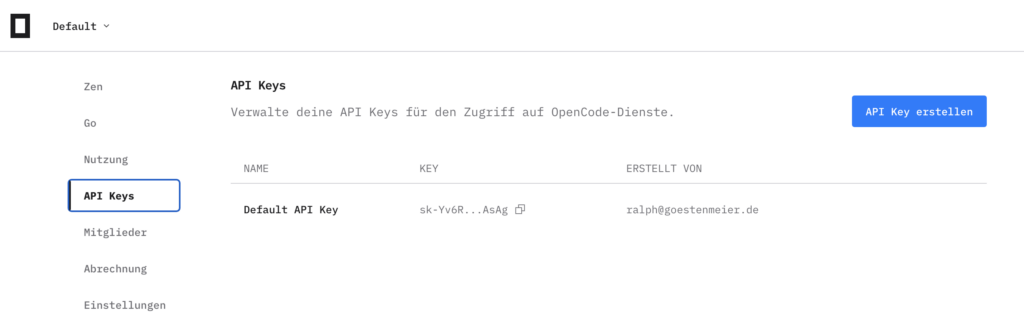
Configure
Start OpenCode
❯ opencode
Select /connect
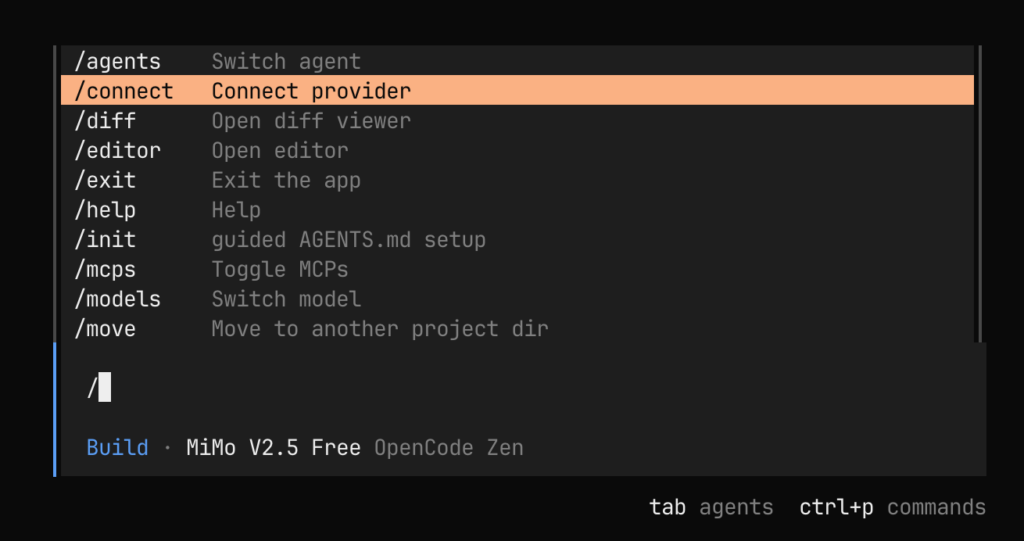
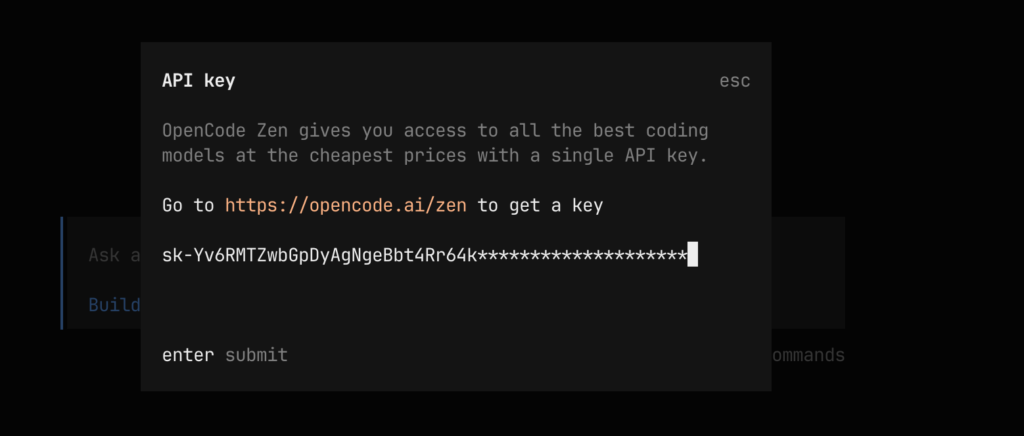
Select OpenCode Zen as Provider
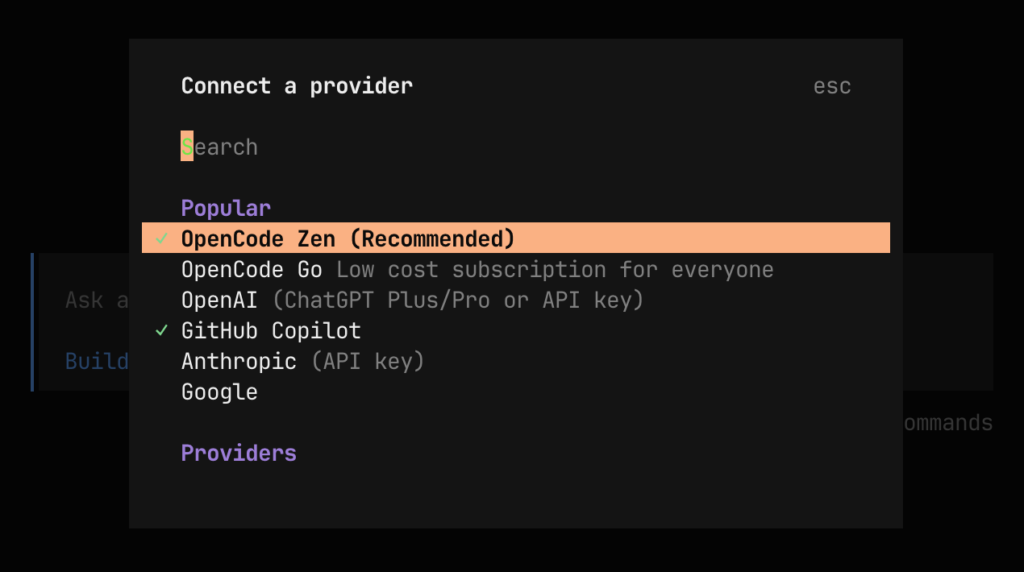
Copy API Key

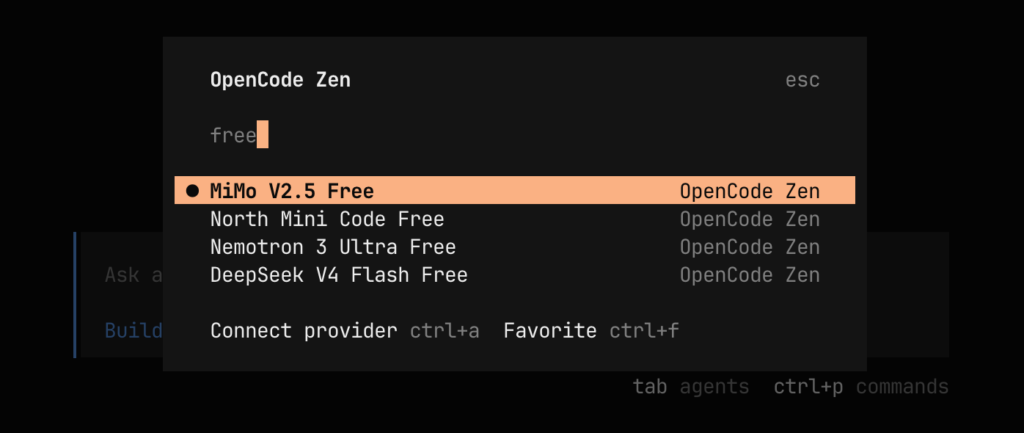
Select the Model. Enter free in the search field
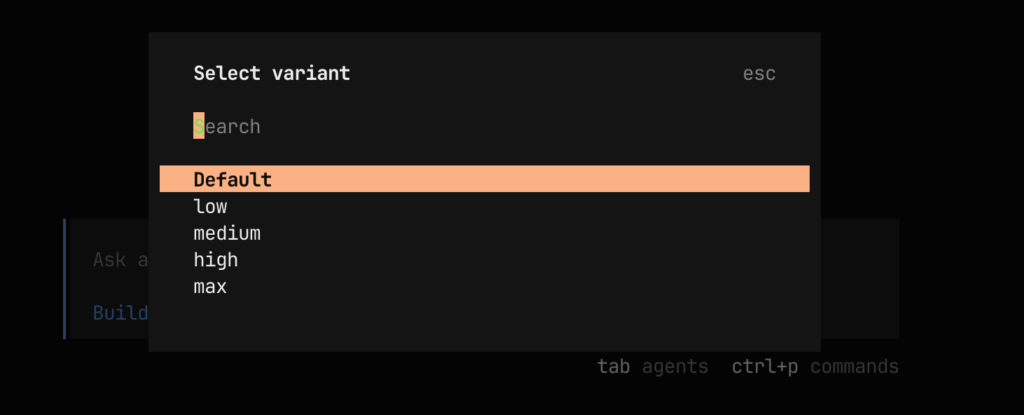
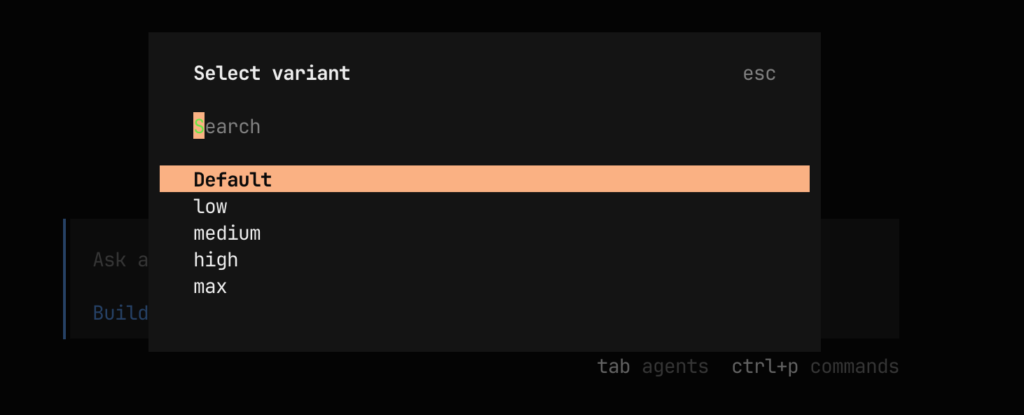
Select the variant
Done. Now you can start Vibe Coding